
Fiber Light Test Guide
VeEX FX41xT Meter & TestWithFlow
1. Daily Calibration Required Once Per Day
- Disconnect all fibers from the meter.
- Block the top port from light.
- Press Shift, then Zero (Mode).
2. Test Before & After Bury
Rule: Test before bury, bury the line, then test again after bury.
Ask the customer: "Can I disconnect your internet for 5 minutes to test the line?"
3. Testing Steps
- Disconnect the customer line and plug it into the meter.
-
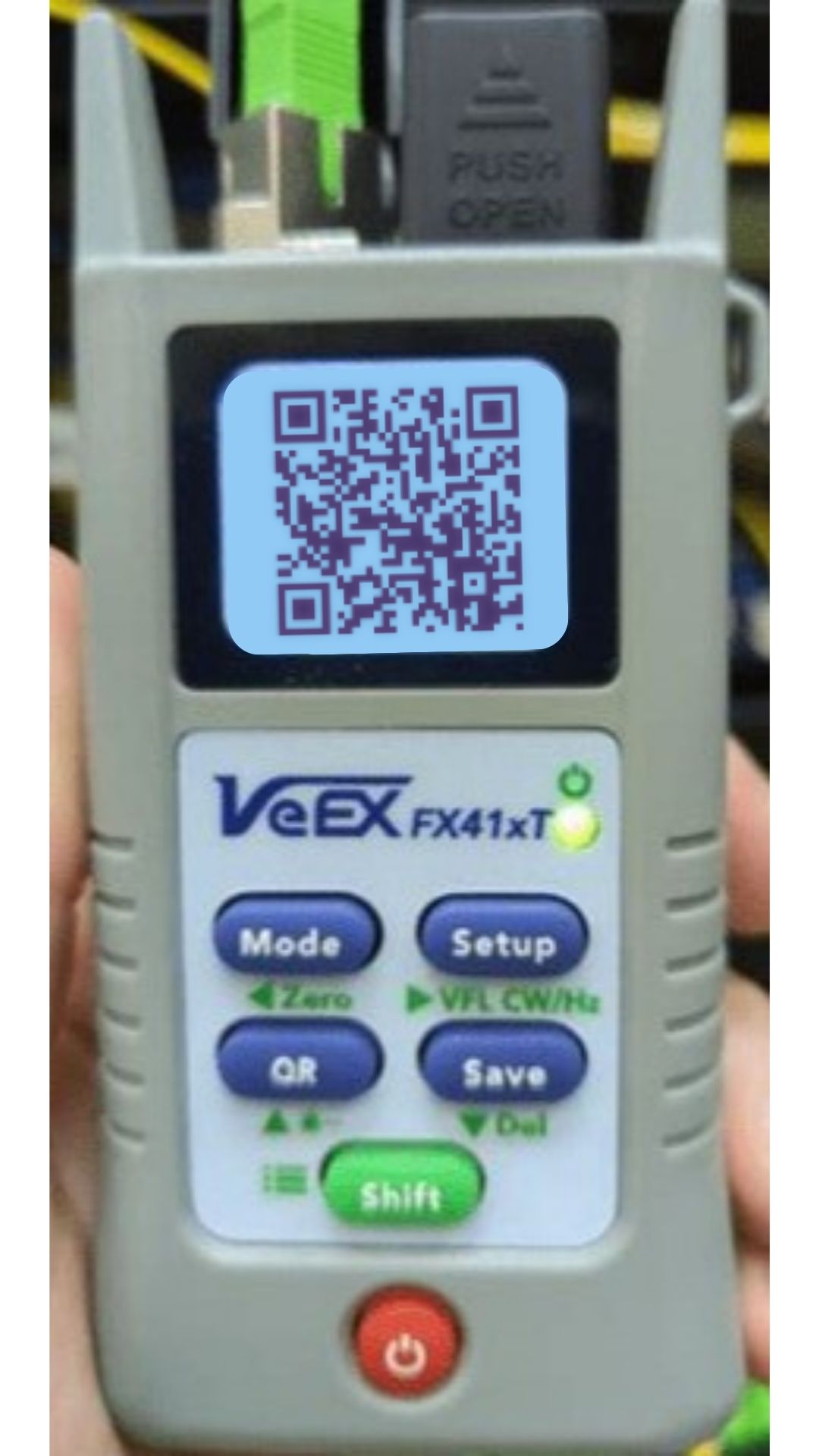
Turn the meter on and select QR.
Meter — QR
-
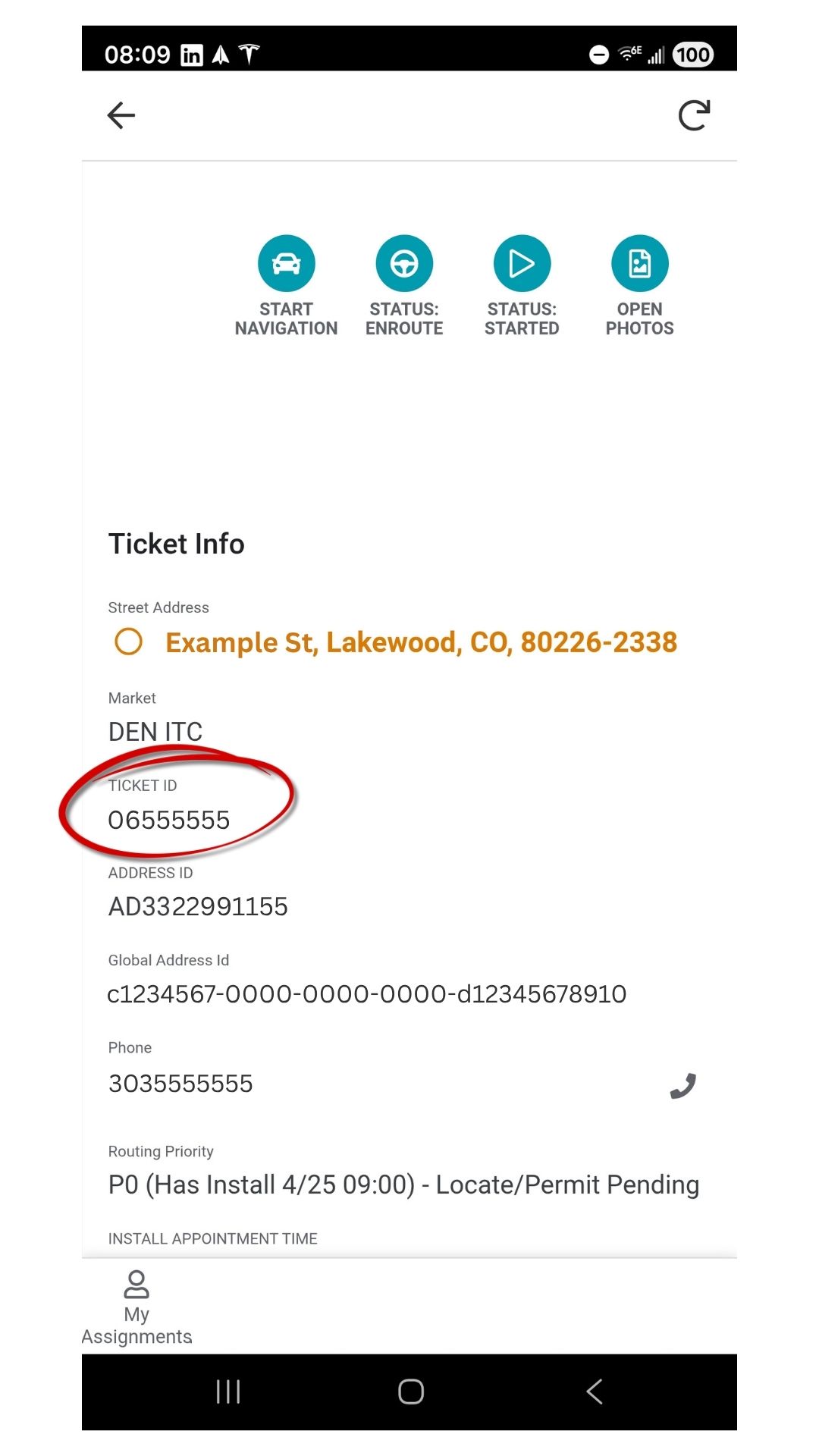
Open AppSheet and copy the Ticket ID.
Ticket ID (AppSheet)
-
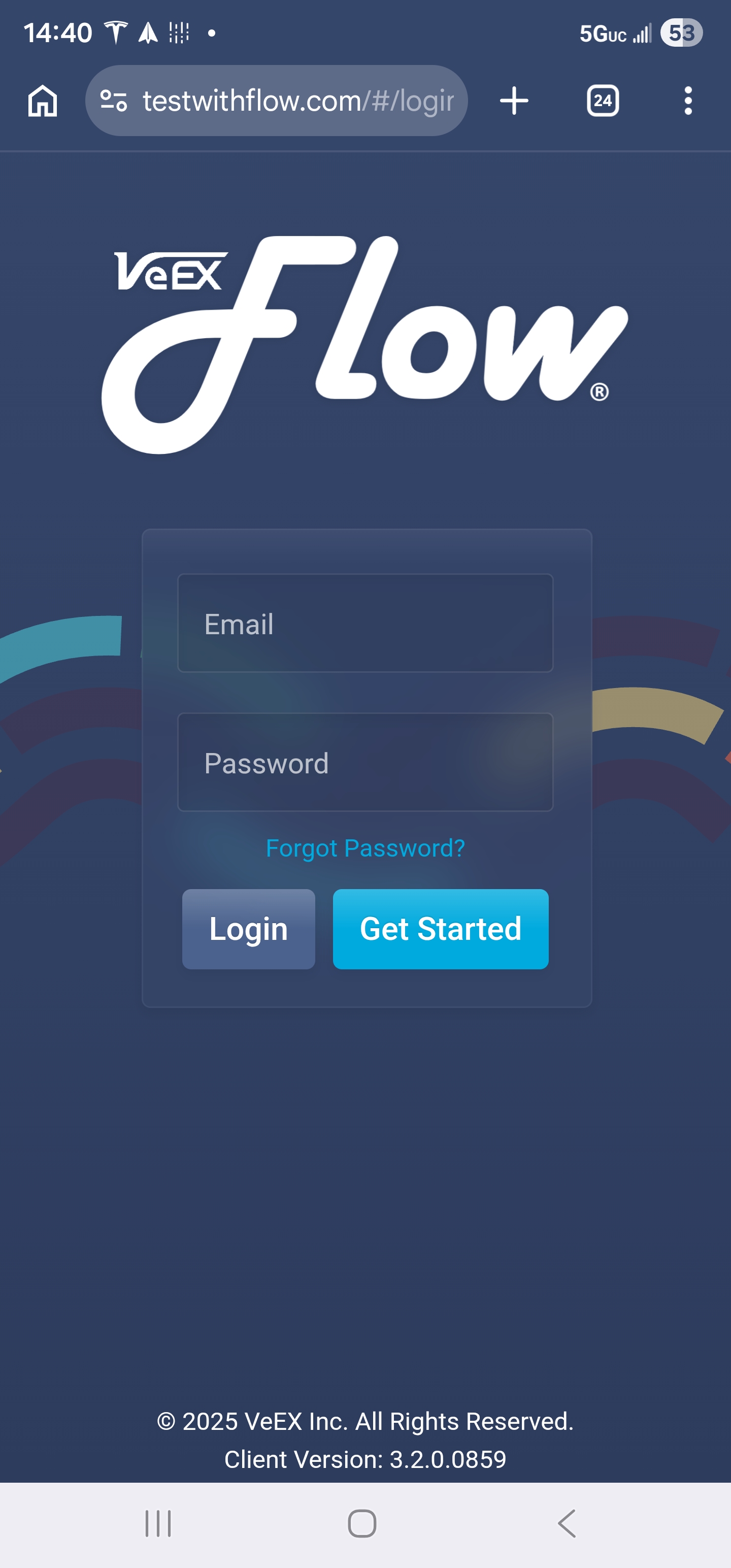
Log in to testwithflow.com.
Login Screen
-
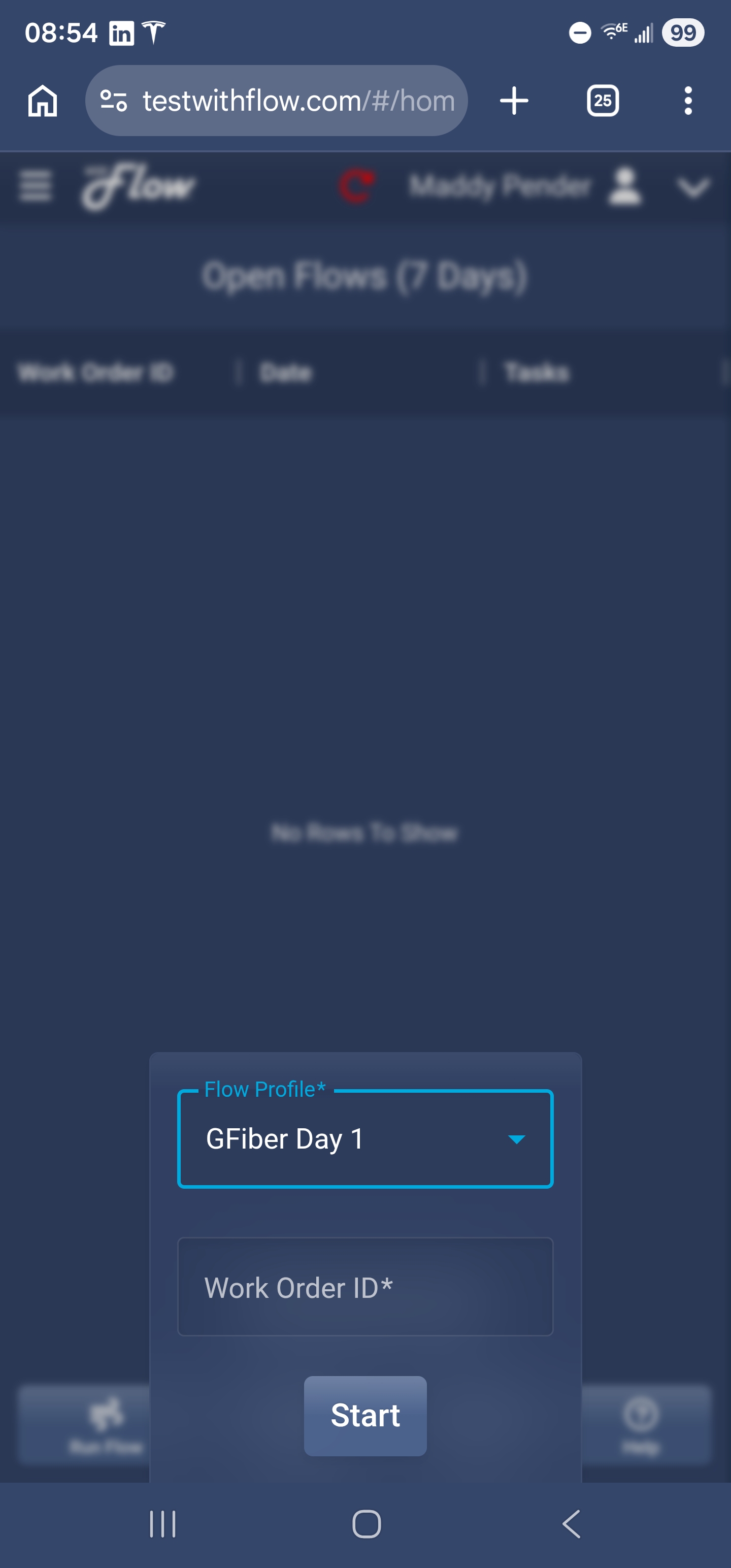
Enter the flow info:
- • Click Start New Flow
- • Flow Profile*: Select GFiber Day 1
- • Work Order ID*: Paste the Ticket ID
- • Click Start
- • Select: 1490nm/1577nm
Flow Profile / Work Order ID
1490nm / 1577nm
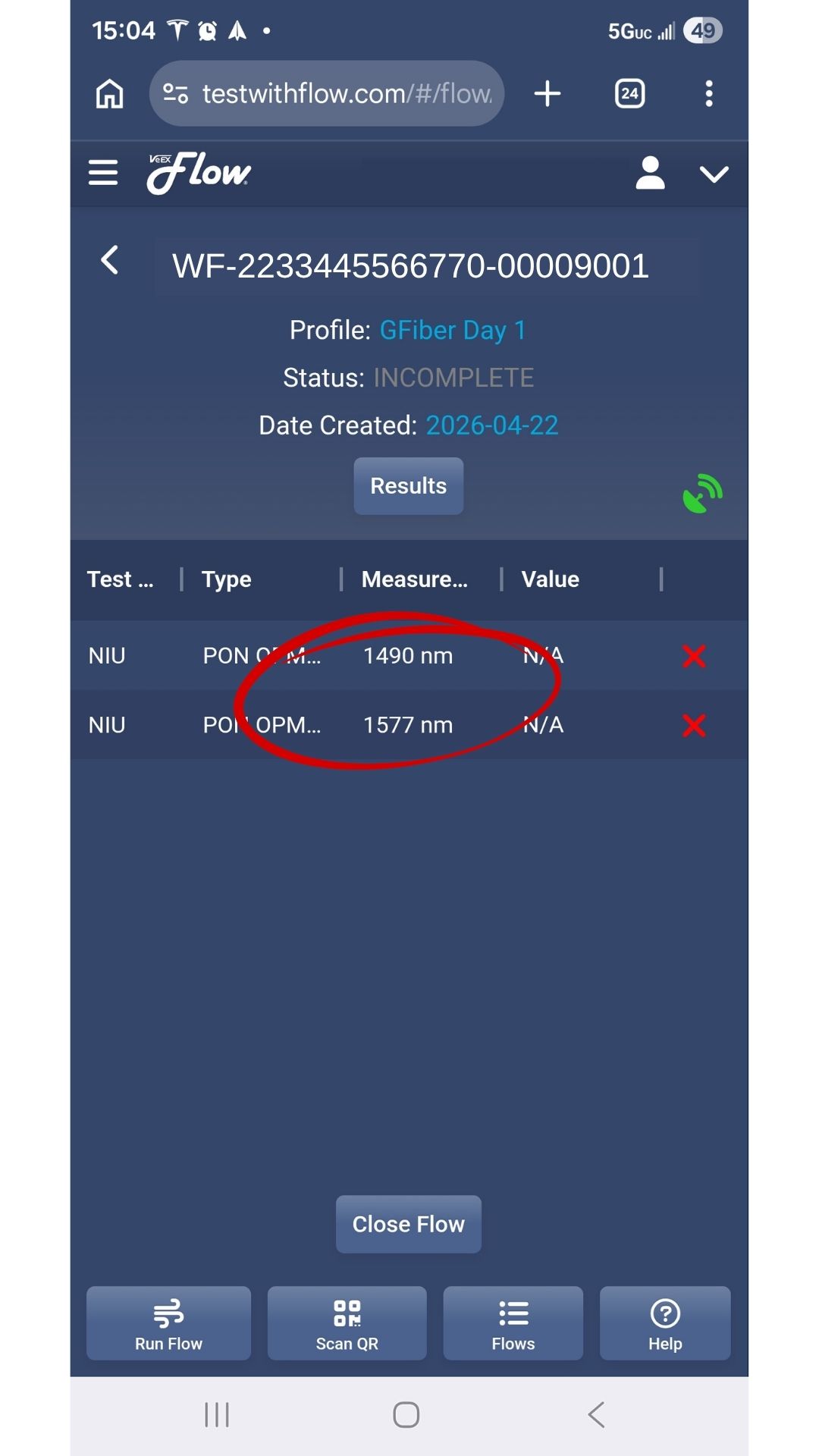
- Scan the QR code displayed on the meter screen.
- Click Close Flow, then OK.
Wait about 30 seconds for the app to finish before closing it.
4. Troubleshooting
- No Signal: Take a photo of the QR code. Scan the photo later when you have service.
- App Stuck: Click Run Flow at the bottom left to check for incomplete tests.